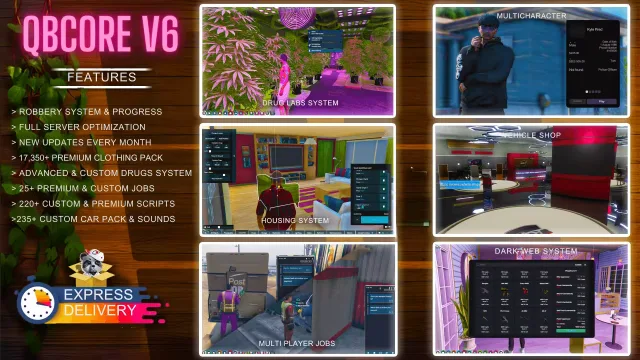
QBCore V6 Server Pack
$110.00
Full QBCore city with 220+ scripts and monthly patch notes
Lifetime updates


In-game stations get old fast. This script lets players paste a YouTube link or a direct audio URL (mp3, OGG) into their car radio and blast it for everyone in and around the vehicle. Songs can be saved to the specific vehicle so the playlist is still there next time the driver gets in.
Every vehicle can use one of two radio designs, chosen per model in the config.
Volume drops with distance, closed doors muffle the sound, and interior IDs can be flagged to ignore audio effects entirely. You can also set a custom hearable distance per vehicle model (for example, pbus2 defaults to 100 meters).
A simple in-world marker lets you build a workshop point that installs or configures the radio. Lock it to a mechanic job or leave it open for everyone.
Full QBCore city with 220+ scripts and monthly patch notes

Players run their own dealerships and sell cars on pinkslips

Rope towing that every player on the server sees and hears
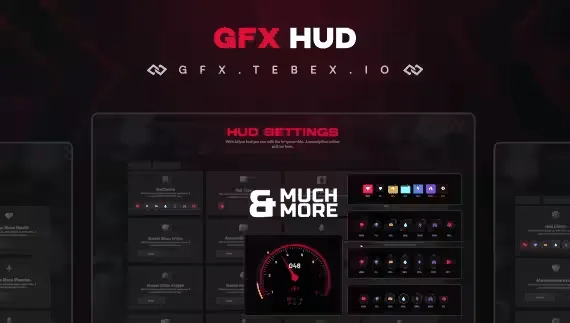
Free player HUD with four status styles and a nitro gauge
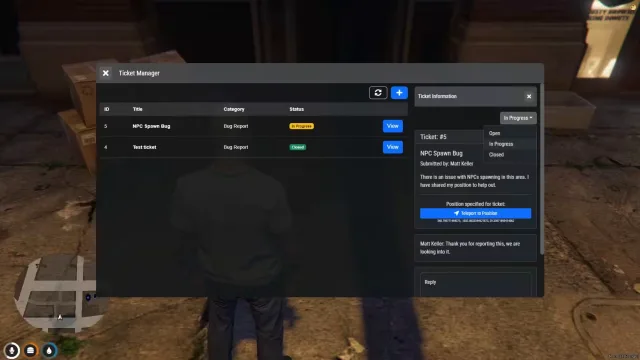
Ticket flow that lives inside the game, not on Discord

Tournaments, treasure maps and rod crafting on the water

Crews split the reward by damage dealt to each fire
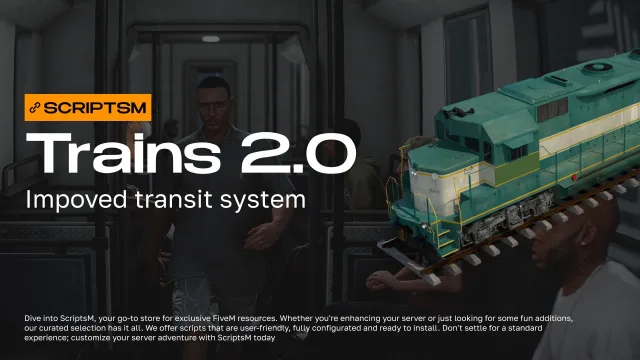
Turn GTA's ambient trains into a working rail network
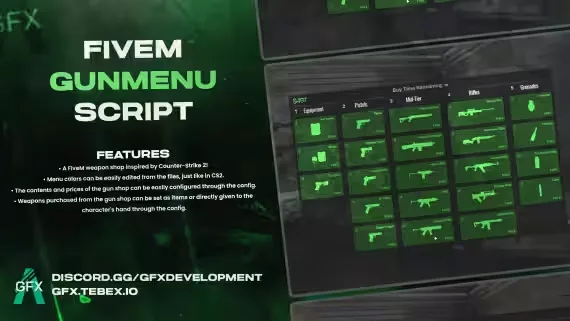
A CS2 buy menu bolted onto a FiveM weapon shop
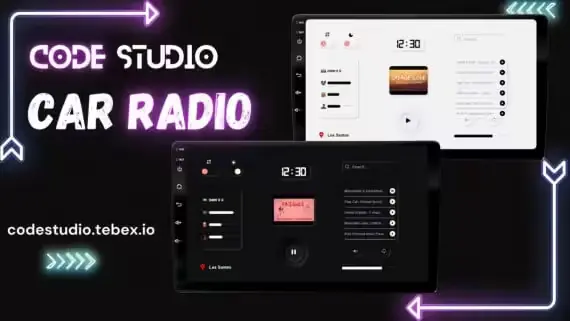
Play any track through xsound, synced to every player in range
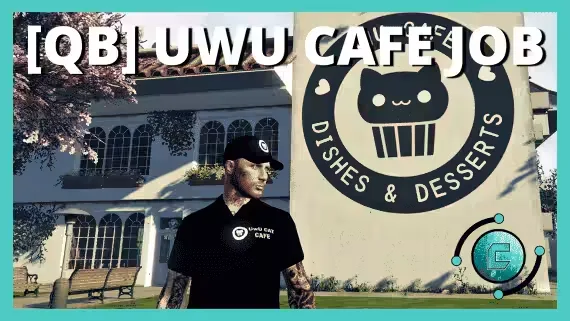
Run Uwu Cafe with third eye targeting on every station
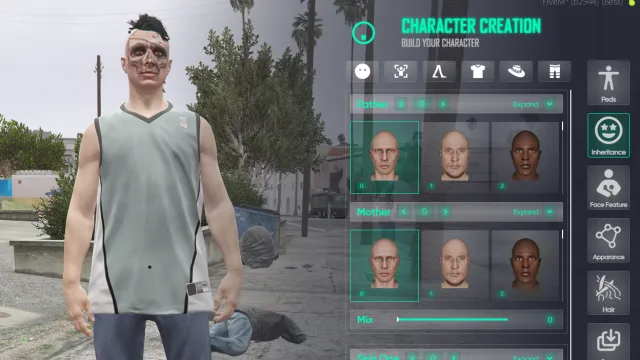
NoPixel-flavoured reskin of illenium-appearance with ox_lib menus
Car Radio with YouTube Playback is a premium FiveM script for esx, qbcore, qbox servers. It’s part of the Marketplace catalog, a curated selection of battle-tested resources for QBCore, ESX and Qbox roleplay servers. Every script on Marketplace ships with lifetime updates, secure payments by Tebex, and email support for technical questions.
Whether you’re building a QBCore server from scratch, upgrading an ESX Legacy deployment, or migrating to Qbox, this resource drops in cleanly and runs at 0.00ms idle resmon. The config-first design means you can customize prices, permissions and locations without touching the core Lua.