Free Pickles Prisons Jail with Breakouts
FREE
One free jail script that runs multiple prisons on the same map
Lifetime updates
Qbox rebuilt the QBCore formula around qbx_core and the Overextended libraries, and scripts written for it should be shopped the same way. Everything below states Qbox support on its product page, and most releases also cover QBCore and ESX for servers running mixed resources. If it hooks into the Ox stack natively, it earned its place here.
One free jail script that runs multiple prisons on the same map
Players build, staff and trade real businesses in-game
17 lightweight YMAP locations, no more teleporting into shells
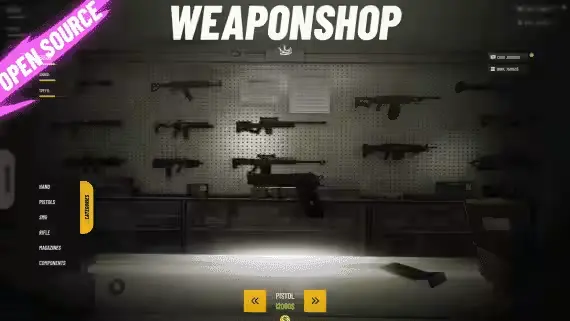
Weapon store with rotating displays and item-based components
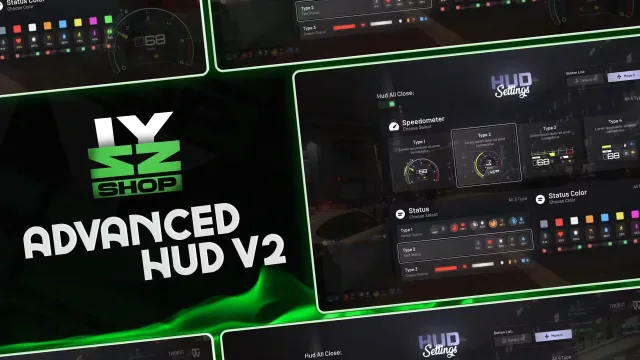
Free HUD with 4 speedometer styles and tracked vehicle mileage
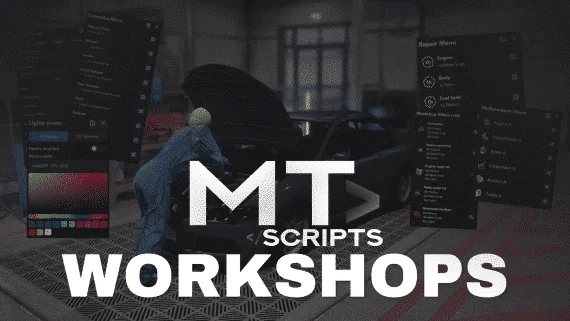
Spin up unlimited player-run workshops with in-game menus
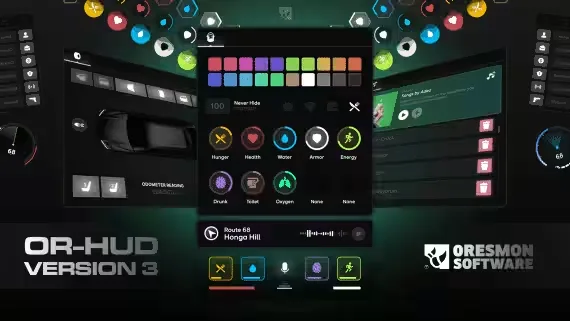
Free NoPixel-style HUD with 11 statuses and a 0.01 resmon
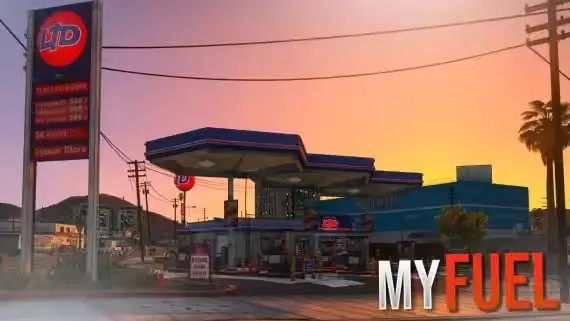
Own the pump, set the price, run the missions

One lifetime purchase covers 41 non-ELS lore-friendly LEO vehicles
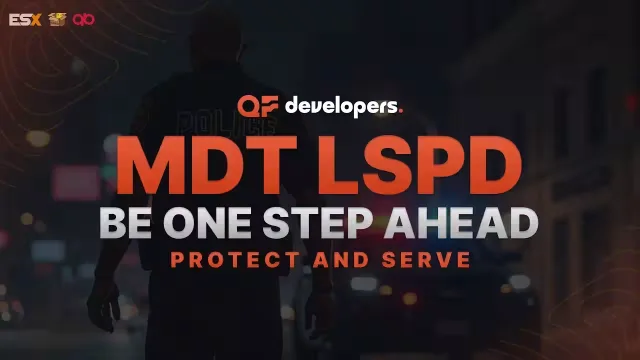
Free police MDT with warrants, fines and a searchable citizen database

NPC car looting synced without spawning a single networked entity
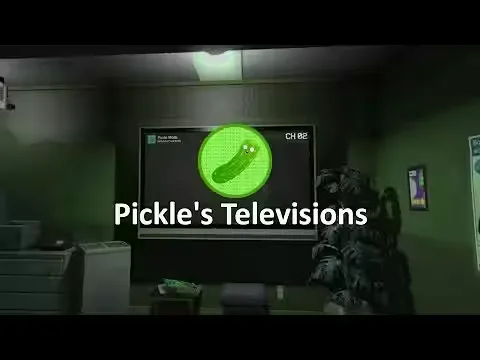
Free in-game TVs that play YouTube, Twitch and any web page

27 vehicle hacks from one CRT-styled device

One lightbar script covers all 22 cars, no duplicate models
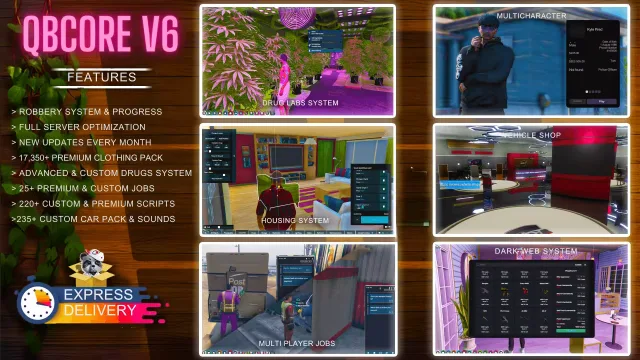
Full QBCore city with 220+ scripts and monthly patch notes

Turns winemaking into a multi-step job from picking grapes to labelling bottles
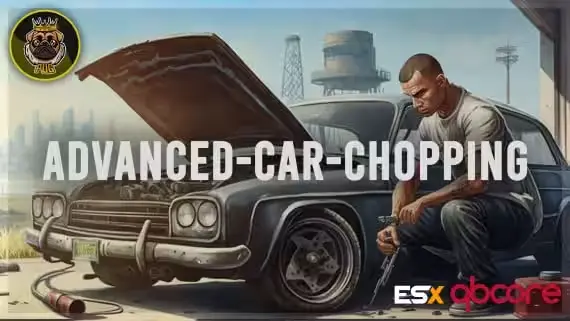
Buy a garage, run a crew, strip cars for parts
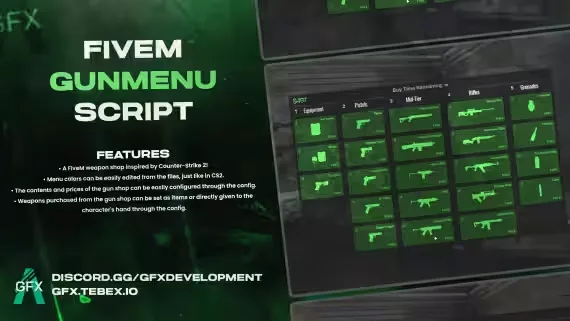
A CS2 buy menu bolted onto a FiveM weapon shop

Tow the vault out with a strong car, ropes synced for everyone
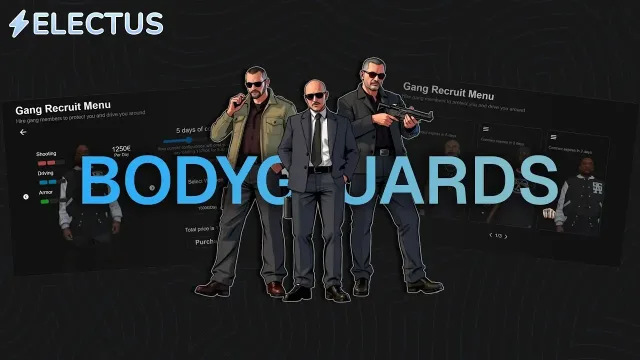
Rent AI bodyguards by the hour, or call police backup with /backup
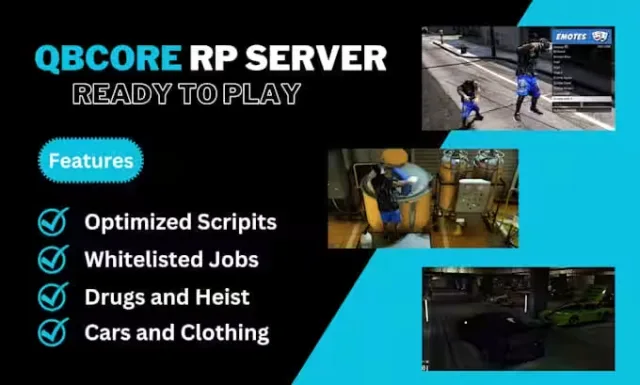
A QBCore V8 city that arrives finished, police fleet included
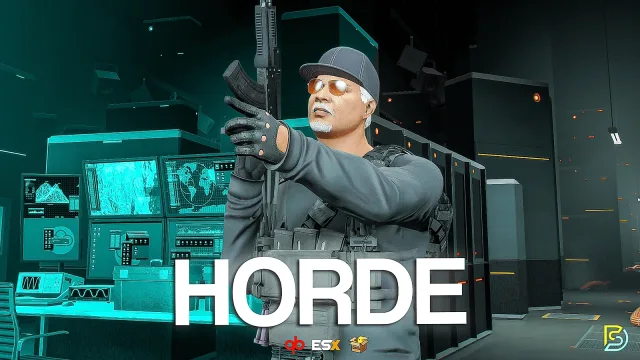
Wave survival with 25+ perks and a between-rounds vote
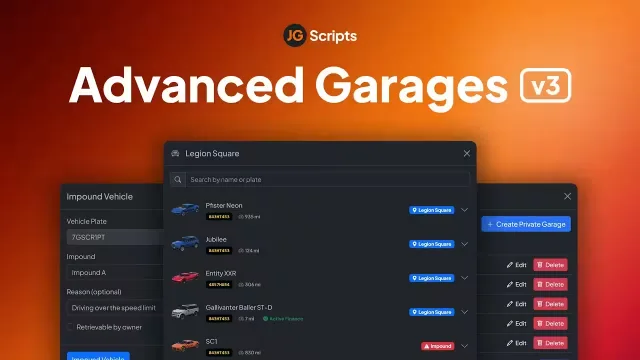
Public, job, gang and private garages with walk-in interiors
Place bee houses, catch queens, run a working apiary
Qbox started as a hard fork of QBCore and turned into its own framework, built around qbx_core and the Overextended stack. That history matters when you shop for scripts. A resource written for old QBCore will usually run on Qbox through the compatibility bridge, but it drags its qb-menu events and qb-inventory calls along with it. A script written for Qbox from the start talks to ox_lib, ox_inventory and ox_target directly, and you feel the difference in resmon and in how rarely it breaks after a framework update.
This category collects every resource in our catalog that states Qbox support outright, 145+ of them at the time of writing. You will find jobs, heists, HUDs, garages, dealerships, phones and admin suites. Some are Qbox native. Others support qbx_core alongside QBCore and ESX through a bridge layer. The product page always tells you which one you are getting before checkout.
Every script here declares Qbox support on its own page, along with a dependency list. In practice that list is short and predictable: a current ox_lib, oxmysql for anything that touches the database, and ox_inventory or ox_target where the script uses them. Multi-framework releases either detect qbx_core on their own or expose a single framework setting in the config, so the same purchase covers you if part of your city still runs QBCore.
Installation follows the usual pattern. Drop the resource into your resources folder, add any included items to your ox_inventory items file, run the SQL if one ships with it, and make sure the script starts after qbx_core and ox_lib in your server.cfg. Most releases in this category are drag-and-drop on a clean Qbox base and take longer to configure than to install.
We list the details that decide a purchase up front. Framework support, dependencies, escrow status and preview videos sit on the product page, not behind a Discord ticket. The 145+ count in this category is filtered, not padded, because a script only lands here when its developer states Qbox support. You are never left guessing whether a QBCore release will survive the bridge.
Updates come through your download page as developers ship them, which matters more on Qbox than on slower frameworks. And if a script fights with your setup, our support has seen most qbx_core edge cases before and can usually point you at the fix or the exact config line.
Usually, yes. Qbox ships a compatibility bridge that translates most qb events and exports, so many QBCore scripts run without changes. Scripts written natively for qbx_core skip that layer, which means fewer edge cases and less overhead, so prefer stated Qbox support when you have the choice.
Qbox is a fork of QBCore rebuilt around qbx_core and the Overextended stack. A Qbox native script calls qbx_core exports directly and registers items and interactions in ox_inventory and ox_target. A QBCore script relies on the older qb resources and reaches Qbox through the compatibility bridge instead.
Not all of them, but many assume it because almost every Qbox server runs it. Each product page lists the exact dependencies before you buy. Where a script supports multiple inventories, the config lets you pick which one to use.
Both exist in this category. Escrowed scripts ship encrypted files with an unlocked config, while open source scripts give you full access to the code. The product page states the escrow status, so check it if you plan to change logic beyond what the config exposes.
Extract the resource into your resources folder, add any included items to your ox_inventory items file, and run the SQL file if one ships with it. Then start the script after qbx_core and ox_lib in your server.cfg. Most releases here install in a few minutes on a clean Qbox base.
Qbox moves quickly and qbx_core exports do change over time, so update cadence is worth checking before you buy. Developers with a recent changelog tend to patch within days of a breaking framework change. Updates arrive through the same download page as your original purchase.