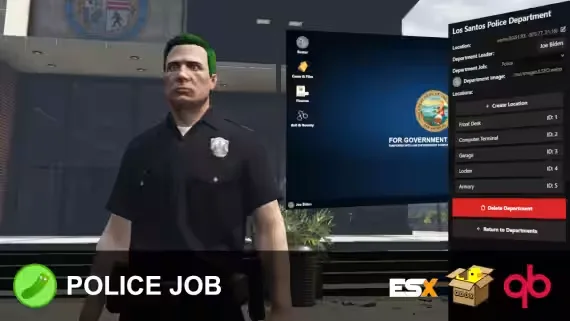
Cops carry half the roleplay on a city. Every traffic stop, chase and raid runs through whatever police script you installed, so when that script is a bare esx_policejob or qb-policejob with default menus, your officers feel it within a week. The servers that keep their PD staffed give cops actual systems to work with: an MDT with warrants and a penal code, dispatch that pushes real callouts, evidence worth collecting at a scene.
That is what this category holds. You will find complete police job replacements, standalone MDT and CAD resources, dispatch systems, evidence and forensics scripts, jail and prison jobs, plus smaller tools like radar, speed cameras and interaction menus. Some are built to replace your entire police setup in one install. Others add the one mechanic your current setup is missing without touching the rest.
What to look for in FiveM police scripts
- Exact framework support: a QBCore police job does not drop into ESX without a rewrite, and a script that says QB is not automatically Qbox ready. Check the listing for your framework and version before anything else.
- MDT depth: a searchable name database is the bare minimum. A good FiveM MDT handles incidents, warrants, BOLOs and charge stacking, with fines and sentence lengths pulled from a shared penal code instead of typed in by hand.
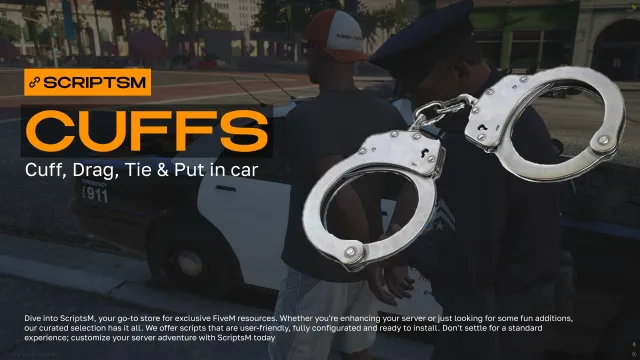
- The arrest loop: cuffing, escorting, seating in vehicles, searching and a jail system with configurable sentences. Your officers repeat this loop all night, so stiff animations and menu spam get old faster than any other flaw.
- Evidence mechanics: casings, blood drops, fingerprints and GSR turn a shootout into an investigation instead of a respawn. Check whether the evidence system feeds into the MDT or lives in its own disconnected menu.
- Resmon numbers: a police job idling above 0.05ms multiplies across every cop on duty. Well written scripts sit at 0.00ms idle and only spike during an interaction, and sellers who publish their numbers usually have nothing to hide.
- Escrow or open source: escrowed police scripts normally ship an editable config with locked core files. If you plan to rewire the arrest flow or hook in your own dispatch, open source saves you from fighting the escrow later.
Compatibility & installation
Most police scripts here target ESX Legacy, QBCore or Qbox, and many newer releases lean on ox_lib for menus and notifications, with ox_target or qb-target for interactions. Evidence and search features often expect a specific inventory, usually ox_inventory or qb-inventory, so read the dependency list on the product page before you buy rather than after.
Installation follows a familiar pattern. Install the dependencies first, import the SQL file if the script ships one, drop the resource into your server, then set up job grades and any Discord or ace permissions in the config. Full job replacements need one extra step: remove or disable your old police job and its dispatch events, because two scripts both listening for the same alerts is the classic cause of double notifications and broken cuffs. Standalone additions like a speed camera or K9 script are closer to a true drag-and-drop install.
Budget a bit of config time either way. Police scripts have more settings than most categories, from penal code tables to jail coordinates, and the defaults rarely match your city's economy or map.
Why buy from us
Every listing on this page states the framework, the dependencies and whether the code is escrowed or open, in plain text near the top. We test resources before they go live, so a script that claims Qbox support has actually been started on a Qbox server, not just relabeled from a QB release.
Delivery is instant after checkout and you keep access to updates, which matters more for police scripts than most. Framework updates break police jobs regularly because they touch jobs, inventories and targeting all at once, and a maintained script gets patched while an abandoned one leaves your PD standing around. If something does break on a supported setup, support is there to get your cops back on duty instead of pointing you at a refund policy.