Free Pickles Prisons Jail with Breakouts
FREE
One free jail script that runs multiple prisons on the same map
Lifetime updates
QBCore powers a huge share of the FiveM roleplay scene, and this category collects the scripts built to slot straight into it. Every resource here is written for QBCore (many also support Qbox and ox_lib), uses shared exports where it should, and ships with a config.lua you can edit before you ever touch the source.

One free jail script that runs multiple prisons on the same map
Players build, staff and trade real businesses in-game

17 lightweight YMAP locations, no more teleporting into shells
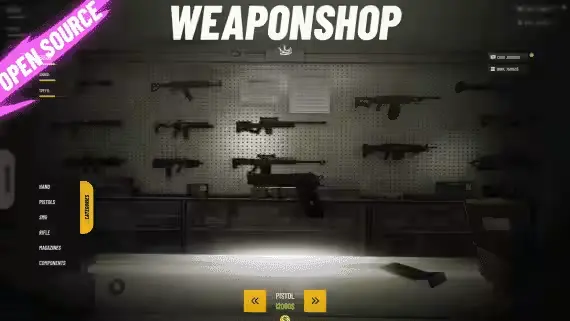
Weapon store with rotating displays and item-based components
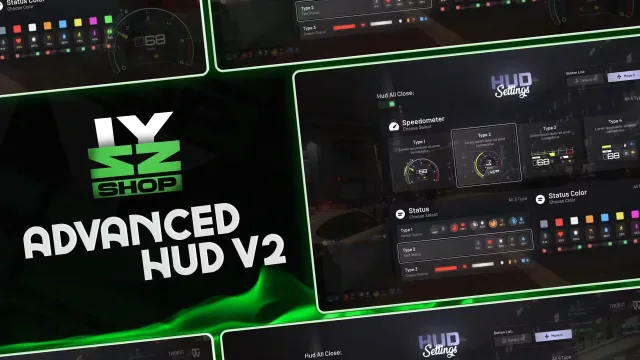
Free HUD with 4 speedometer styles and tracked vehicle mileage
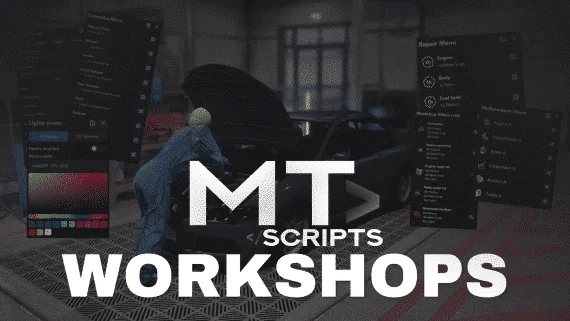
Spin up unlimited player-run workshops with in-game menus
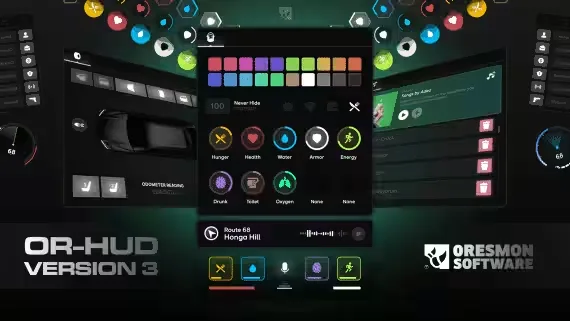
Free NoPixel-style HUD with 11 statuses and a 0.01 resmon
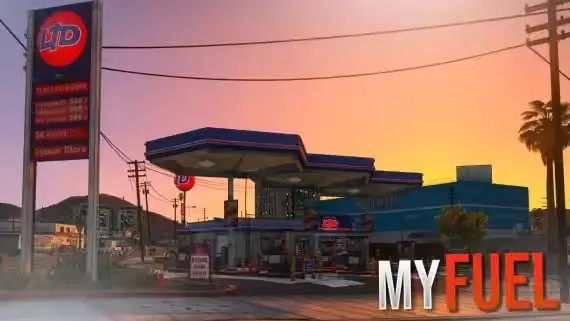
Own the pump, set the price, run the missions

One lifetime purchase covers 41 non-ELS lore-friendly LEO vehicles
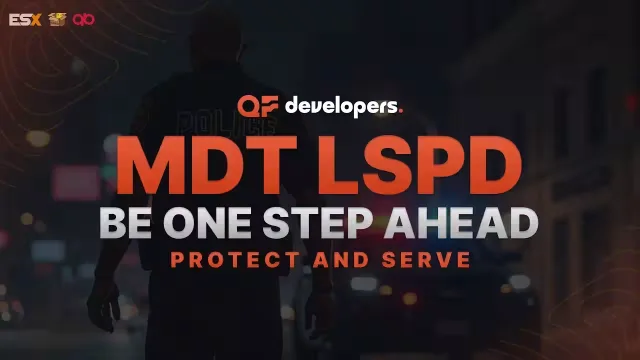
Free police MDT with warrants, fines and a searchable citizen database

NPC car looting synced without spawning a single networked entity

Free in-game TVs that play YouTube, Twitch and any web page

27 vehicle hacks from one CRT-styled device

One lightbar script covers all 22 cars, no duplicate models
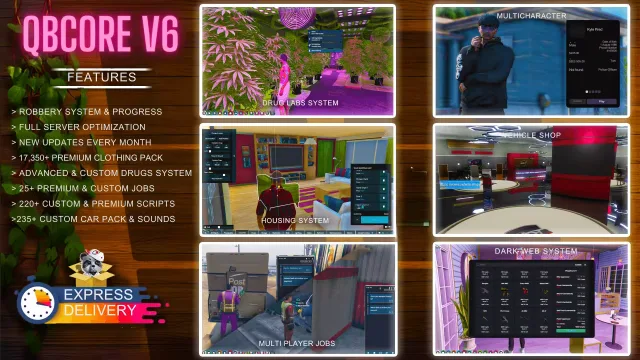
Full QBCore city with 220+ scripts and monthly patch notes

Turns winemaking into a multi-step job from picking grapes to labelling bottles

Buy a garage, run a crew, strip cars for parts
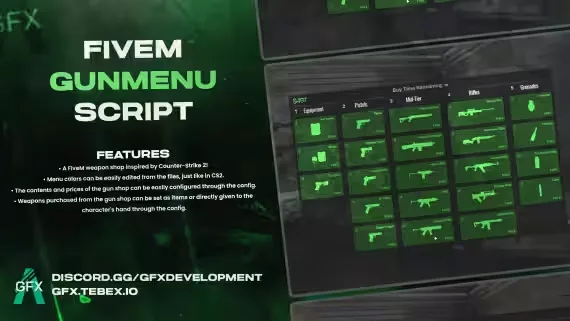
A CS2 buy menu bolted onto a FiveM weapon shop

Tow the vault out with a strong car, ropes synced for everyone
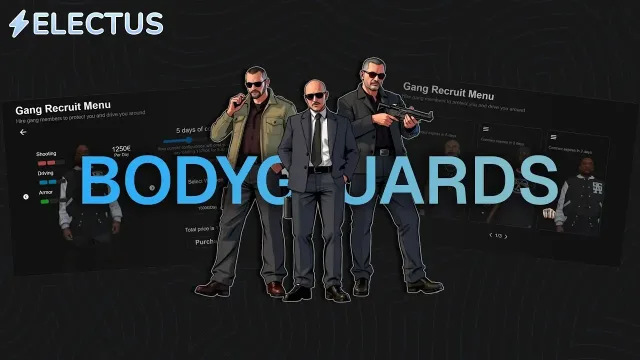
Rent AI bodyguards by the hour, or call police backup with /backup
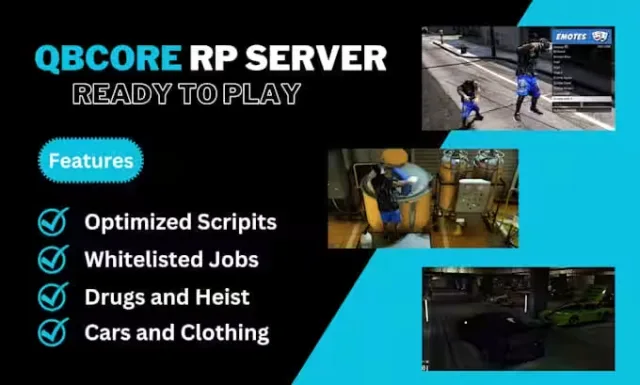
A QBCore V8 city that arrives finished, police fleet included
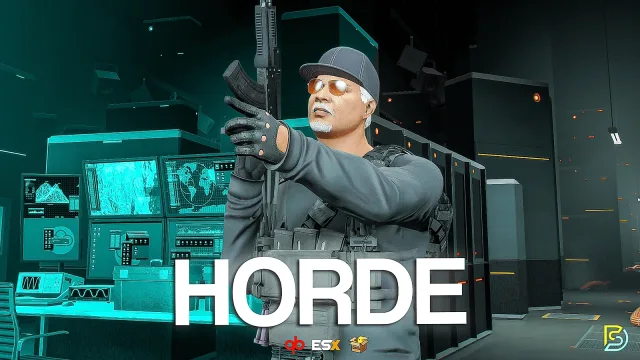
Wave survival with 25+ perks and a between-rounds vote
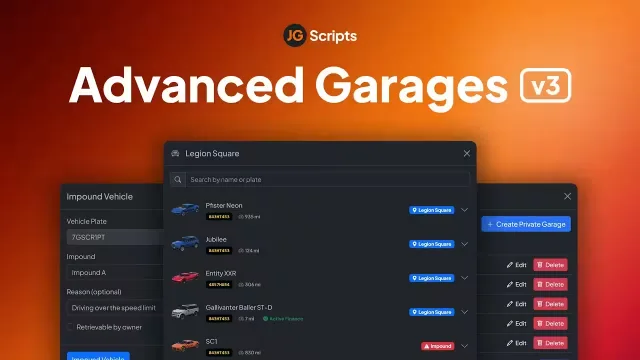
Public, job, gang and private garages with walk-in interiors

Place bee houses, catch queens, run a working apiary
QBCore is the framework most new FiveM servers start on, and the one most established servers still run under the hood. It gives you the player table, the job and gang system, the money types, the metadata, and the shared functions that almost every roleplay script hooks into. The scripts in this category are the ones that treat that stack as home. They call QBCore.Functions.GetPlayer, they read jobs from shared/jobs.lua, they store data in player_vehicles or a resource-scoped table, and they behave the way a QBCore server owner expects.
You will find the full spread here. Job scripts for police, EMS, mechanic, taxi, trucker, lumberjack, and the fifty small hustles a city needs. Robbery and heist scripts that respect wanted levels and dispatch. Player owned businesses, dealerships, and rental systems that write to your existing tables. HUDs and phones built around QBCore player data. Garages, keys, fuel, and vehicle systems that read plate and mods the way qb-garages does. Admin menus, anticheat helpers, and economy tools that plug into qb-management and qb-banking.
QBCore.Functions.GetPlate or the pre-refactor money events.players metadata. A clean sql/install.sql and a documented uninstall path matter when you swap resources later.Everything here is built for the current qb-core release on cfx-server-data servers running artifact 6683 or newer. The typical install is drag-and-drop into resources/[qb] or a dedicated [custom] folder, an ensure line in server.cfg, and one SQL import through HeidiSQL, phpMyAdmin, or mysql-async. Scripts that need ox_lib or ox_inventory say so in the resource description, and the good ones also list the exact qb resources they replace (for example a HUD that supersedes qb-hud, or a garage that replaces qb-garages).
Most of these resources also run on Qbox, the community fork that keeps QBCore compatibility while modernising the core. If Qbox support is confirmed, it is called out on the product page. For MySQL you want oxmysql, not the deprecated mysql-async, and for inventory metadata the ox_inventory items table should be your source of truth.
Every QBCore script in this category is sourced from creators who actually run or test on QBCore servers, not repackaged leaks. Product pages carry the real feature list, framework requirements, dependencies, and preview media from the creator, so you know before checkout whether it will fit your server.cfg. Payments, license keys, and CFX asset grants are handled through the normal FiveM Keymaster flow where the script is escrowed, and delivery is instant. If a resource does not install, does not match its description, or breaks against the QBCore version it advertises, support is one message away and refunds follow the policy on the store footer.
Yes, every script in this category targets the current qb-core release from GitHub, not the old QBUS fork. Product pages list the exact framework version, artifact requirements (typically 6683 or newer), and dependencies like ox_lib or oxmysql, so you can check fit before checkout.
Most do. Qbox keeps QBCore compatibility for exports and player data, so scripts using standard QBCore.Functions calls tend to run without changes. Confirmed Qbox support is called out on the product page where the creator has tested it.
Escrow scripts ship with server and client logic locked through FiveM asset escrow, and you edit only the exposed config.lua. Open source scripts give full access to every file. Pick escrow for plug-and-play, open source if you plan to fork the logic into your own systems.
Not for all of them. A growing share of modern QBCore scripts prefer ox_lib for menus, notify and callbacks, and ox_inventory for stashes and item metadata. Requirements are listed on each product page, and legacy qb-menu and qb-inventory setups are still supported by many releases.
Drop the resource into resources/[qb] or a [custom] folder, import any SQL file through HeidiSQL or phpMyAdmin, add an ensure line to server.cfg, and restart. Escrowed resources need the CFX asset granted to your Keymaster account, which happens automatically on purchase.
They are written against QBCore APIs, so on pure ESX or standalone servers they will not run without a rewrite. If a script also supports ESX or standalone, the product page states it and the config exposes a framework toggle.
A well written QBCore HUD or job script should idle under 0.05ms client side and stay under 0.10ms in-use. Heists, garages and other gameplay resources run higher when actively triggered. If a resmon figure is not in the listing, ask before you buy.