New
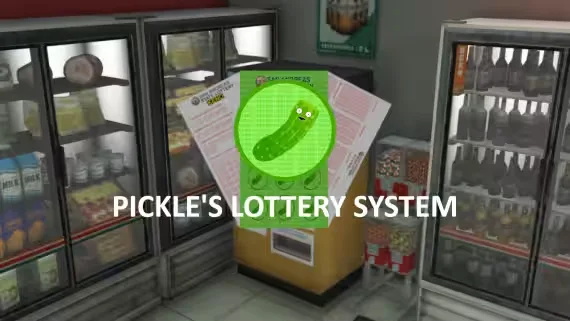
Pickle's Lottery System: Keno, Moneyball & Scratch-Offs
$15.00
Keno, Moneyball and three scratch-offs sold at every lottery station
Lifetime updates
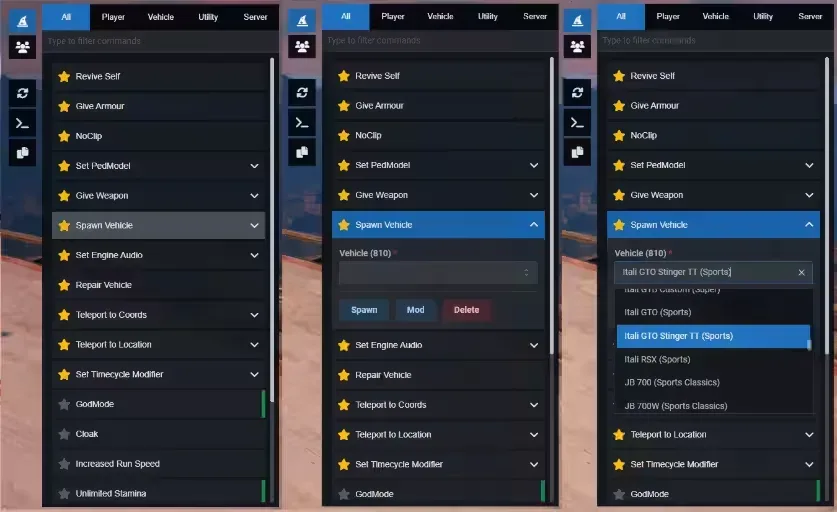
Free NUI admin menu built on React and Mantine 7. Commands live in JSON, favorites save to KVP, and the panel unlocks extra tools when QBCore is running.
U by default/adminTriggerEvent("admin:toggleMenu", true)Commands come in two shapes. Buttons run in one click. Forms open a validated panel before executing, with field types for input, number, select, multi-select, checkbox, slider, and autocomplete. Toggle commands like godmode and noclip highlight green while active. Commands marked close: true dismiss the menu after running.
pedmodels.jsonvehicles.json, with Mod and Delete extrastpv warps you into the driver seatteleports.jsonOn resource stop, toggles like godmode, speed, visibility, vision, and timecycle reset automatically.
WASD movement with mouse look. Scroll adjusts speed, Shift is faster, Alt is slower. Ped position (and vehicle if driving) syncs with the camera. Gamepad mappings supported alongside keyboard, with on-screen instructional buttons for controls.
Per-player quick buttons for Revive, Kill, Kick and Ban run the matching server commands with that player's ID. The commands tab also carries Kick Player (target and reason), Kick All (server-wide), and Ban Player (target, reason, ban length).
When qb-core is running, the resource:
init.lua and injects extra commands if they are not already in commands.jsonjobs.json, gangs.json, and items.jsonJobGrades and GangGrades for dynamic grade dropdownsWithout QBCore, the players list still shows server ID and name.
Edit these files to fit your server without touching Lua or React:
shared/commands.json: menu entries with label, command, type, filter, favorites, args, and custom buttonsshared/quickactions.json: sidebar shortcuts with Font Awesome icons and hover submenusshared/vehicles.json: ~3000 vehicle spawn namesshared/pedmodels.json: ~800 ped modelsshared/timecycles.json: ~700 modifiersshared/teleports.json: 80+ named locations with coords and inside/outside typeshared/items.json: ~225 inventory itemsshared/weapons.json, weather.json, jobs.json, gangs.jsonThe UI is pre-built under web/build/. Rebuild after editing the React source with npm install and npm run build inside web/.
Menu command execution checks ACE via ox_lib:checkPlayerAce. Individual registered commands use restricted ACE checks (command.<commandName>). Server commands pedmodel and giveweapon require group.admin. Configure ACE principals so only staff can open and use the menu.
| Resource | Required | Purpose |
|----------|----------|---------|
| ox_lib | Yes | Callbacks, notifications, dialogs, vehicle properties, clipboard |
| oxmysql | Yes | Server script dependency |
| qb-core | No | Unlocks QBCore player data, jobs, gangs, items, and extra commands |
ag-menu in your resources folder.ox_lib and oxmysql start before this resource.ensure ag-menu to server.cfg.| Name | Side | Description |
|------|------|-------------|
| admin:toggleMenu | Client | (boolean) open or close menu |
| admin:server:RemoveStress | Server | QBCore stress reset |
| admin:server:RelieveNeeds | Server | QBCore hunger/thirst reset |
| ag:setPedModel | Client | Apply ped model from server |
Callbacks: ag:getTargets, ag:getPlayers, ag:GetPedheadshotTxdString.
Web package version: 2.0.0 (web/package.json).
Keno, Moneyball and three scratch-offs sold at every lottery station
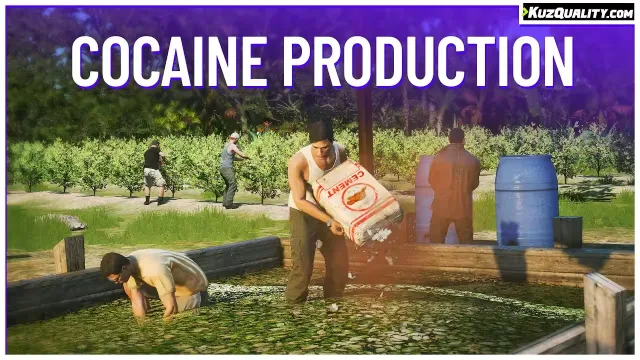
Four-stage cocaine production on its own handcrafted island

Drop any inventory item into the world as a real prop
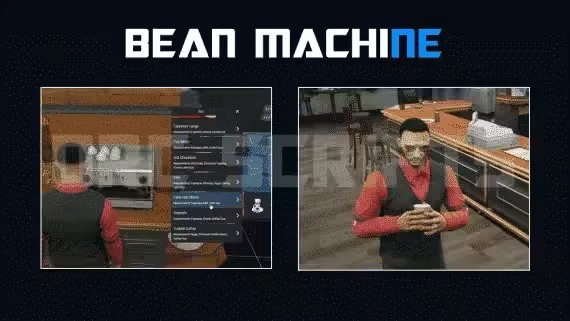
Run the whole Beanmachine, from cooking to 40 delivery stops
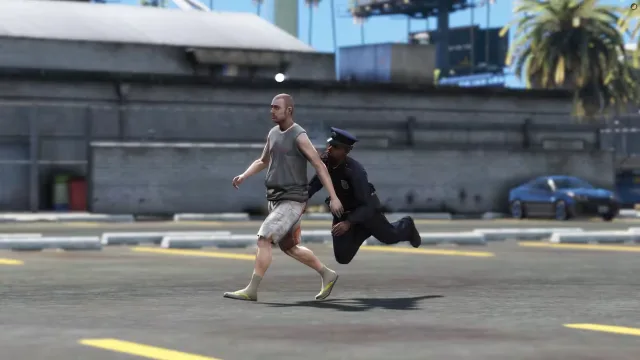
Sprint, leap and floor fleeing suspects with a timed tackle
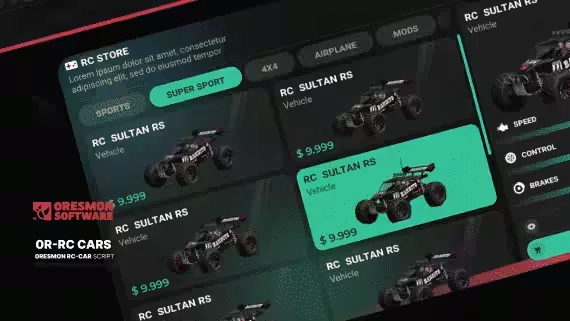
Nine drivable RC cars with nitrous, bombs and thermal scopes

Rope towing that every player on the server sees and hears
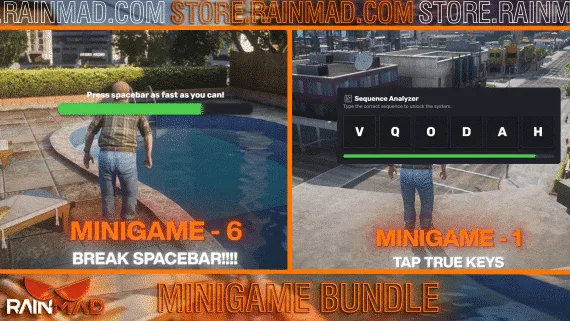
Sixteen heist minigames behind one export each
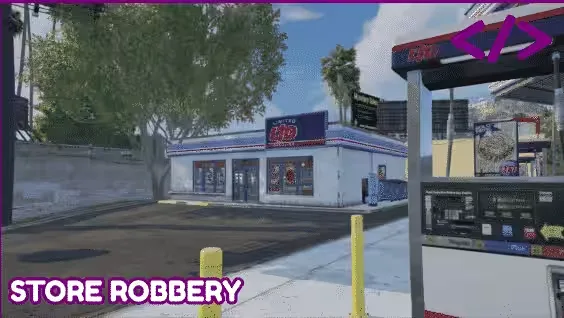
Rob store registers on a per-player hourly cap

Puff-by-puff smoking with synced particles and breathing animations
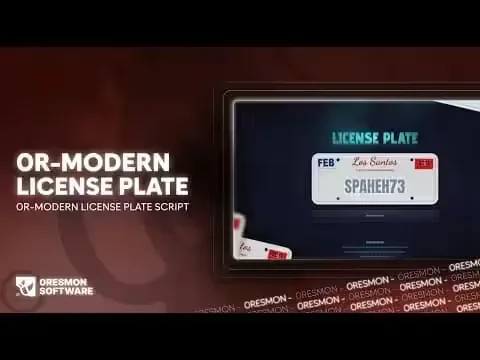
Sell premium license plates straight through your Tebex store
One free jail script that runs multiple prisons on the same map
Free Searchable Admin Menu is a premium FiveM script for qbcore, qbox servers. It’s part of the Marketplace catalog, a curated selection of battle-tested resources for QBCore, ESX and Qbox roleplay servers. Every script on Marketplace ships with lifetime updates, secure payments by Tebex, and email support for technical questions.
Whether you’re building a QBCore server from scratch, upgrading an ESX Legacy deployment, or migrating to Qbox, this resource drops in cleanly and runs at 0.00ms idle resmon. The config-first design means you can customize prices, permissions and locations without touching the core Lua.