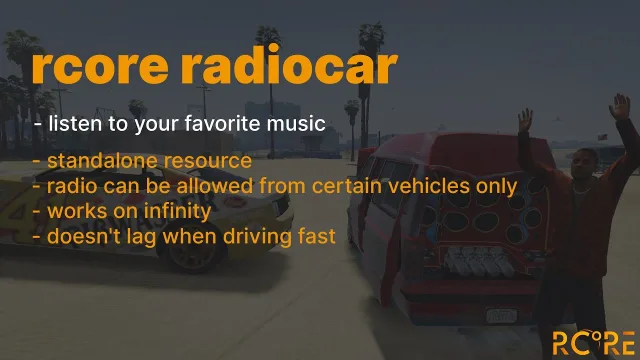
Real Car Radio Script
$15.00
YouTube-powered car radio with realistic 3D positional audio
Lifetime updates
Qbox rebuilt the QBCore formula around qbx_core and the Overextended libraries, and scripts written for it should be shopped the same way. Everything below states Qbox support on its product page, and most releases also cover QBCore and ESX for servers running mixed resources. If it hooks into the Ox stack natively, it earned its place here.
YouTube-powered car radio with realistic 3D positional audio
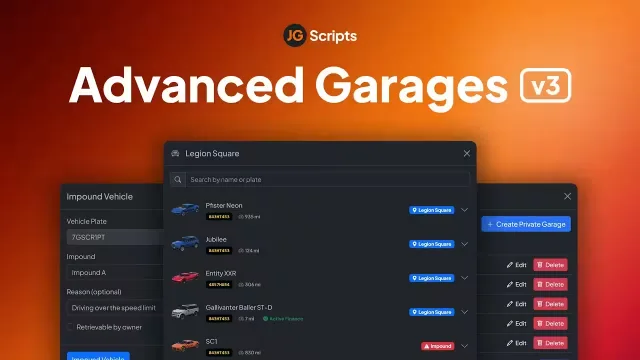
High-performance QBCore/ESX/Qbox garages, impounds, private, job, gang.
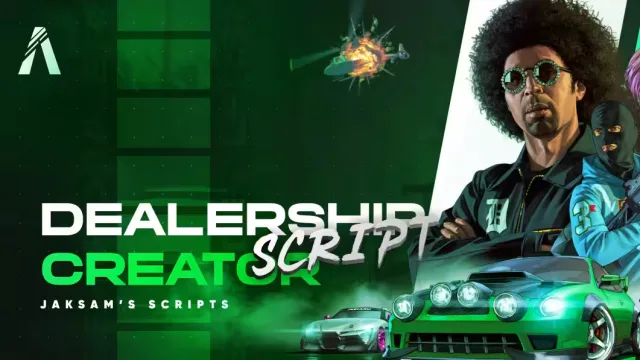
Let players buy the whole dealership, not just the cars
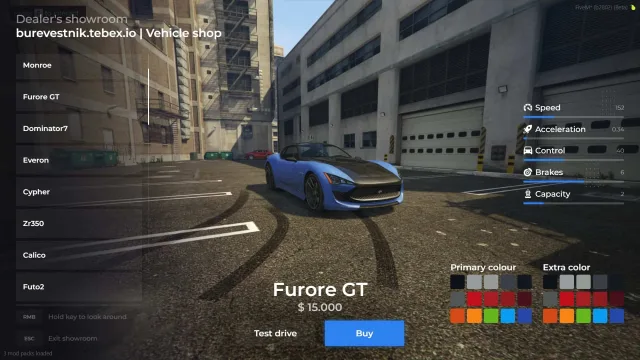
An unencrypted vehicle shop you can edit down to the UI
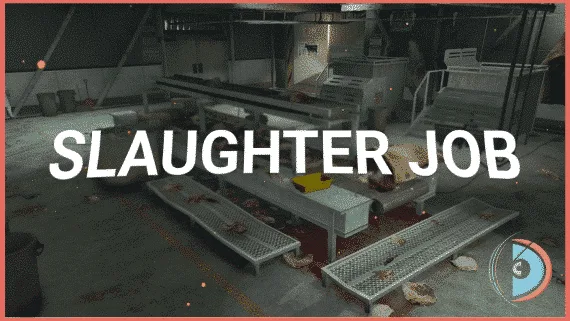
Run a full butcher cycle with dynamic pricing and deliveries.
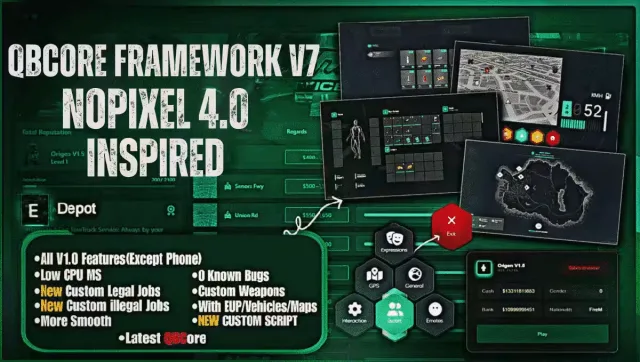
Install and launch a full NoPixel 4.0 style QBCore server
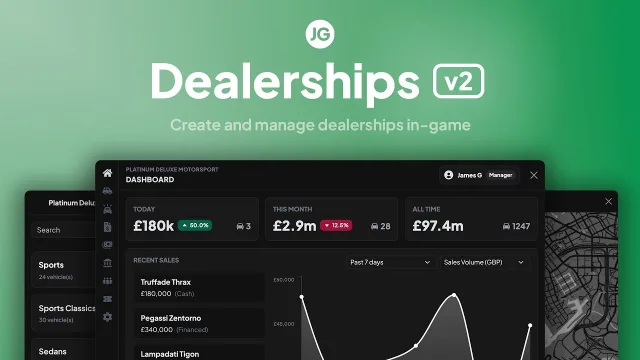
QBCore/ESX/Qbox: Immersive Player-Owned Dealership Ecosystem, Advanced RP.
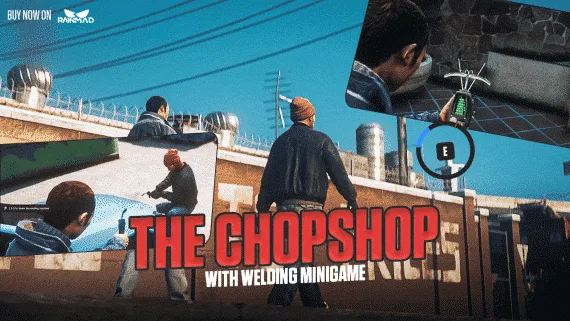
Advanced chopshop heists with multi-framework support and full customization
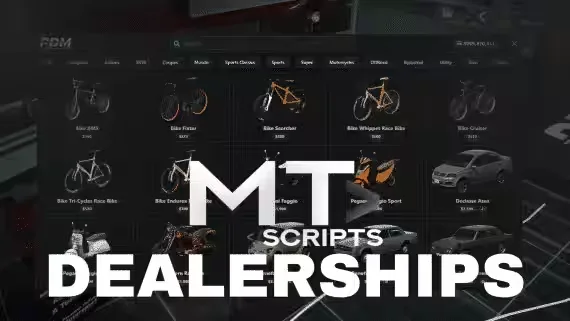
Run multi-dealership economies with owned showrooms, test drives, stocks
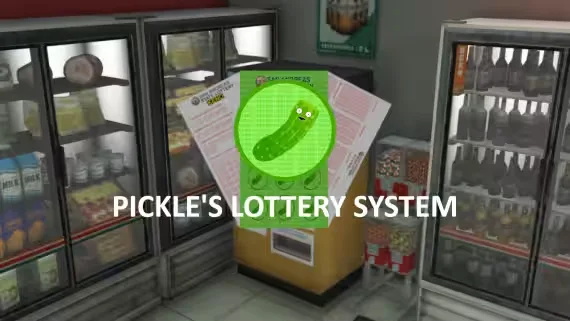
Realistic Keno, Moneyball, and scratch-off lottery system
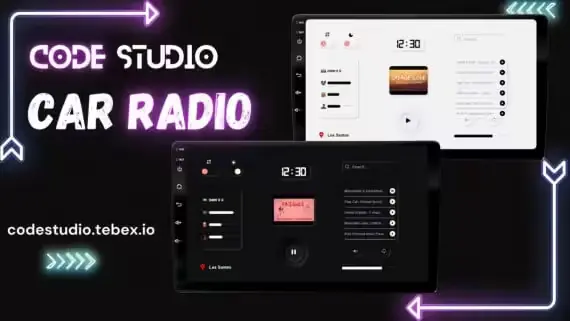
Play any track through xsound, synced to every player in range
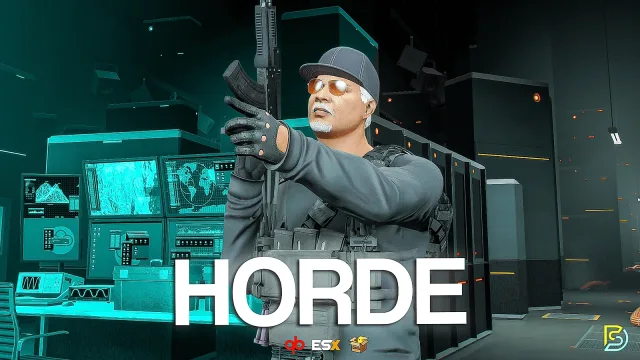
Wave-based survival missions with 25+ perks and bosses
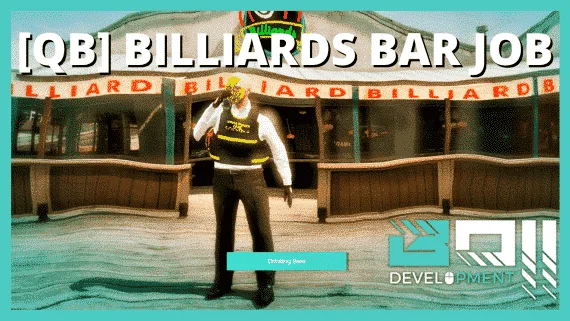
Run a fully unlocked QBCore billiards bar with included MLO
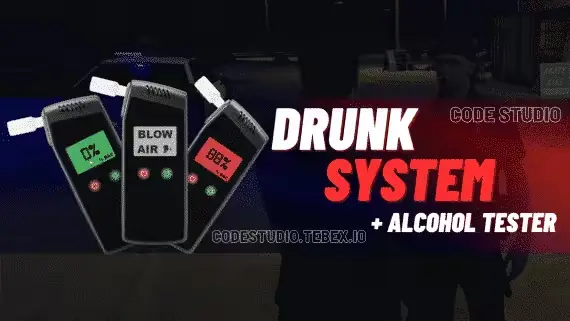
A standalone breathalyzer that reads BAC through a proper prop animation
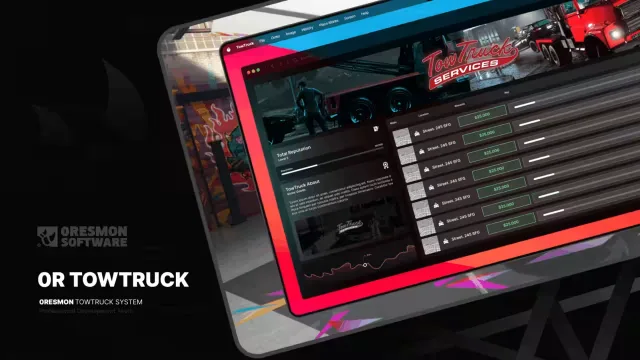
Rope a car onto the flatbed and every player sees it
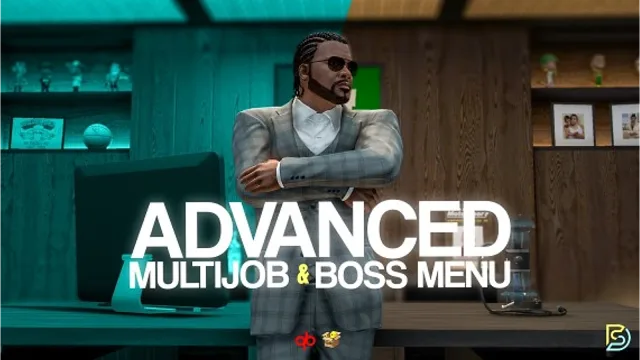
Track any job stat, from arrests made to burgers flipped
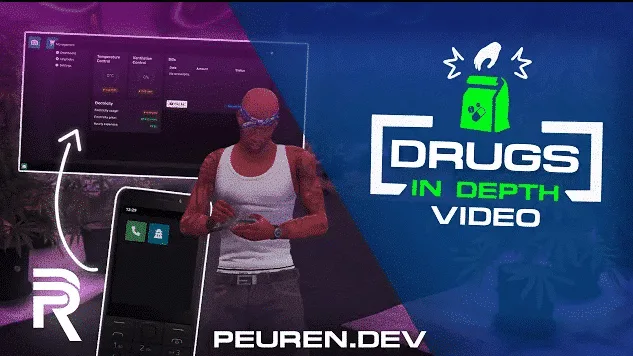
One burner phone runs your whole drug network
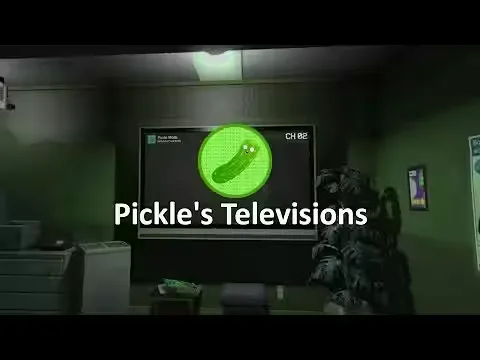
Stream YouTube, Twitch, and web to in-game TVs

Immersive metal detecting with leveling, 50+ items, configurable loot pools
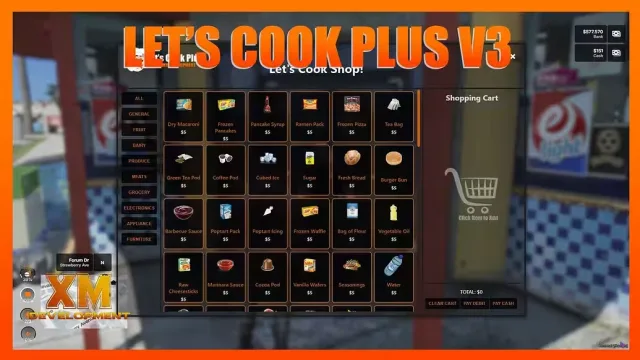
Advanced FiveM crafting script with custom UIs and minigames

Tackle fleeing suspects with skill-based sprint boost and ragdoll
Run Tequi-La-La on the default GTA interior, no MLO needed
Build criminal empires with territories, dealers, and dark web
Crack an armored truck and choose what you steal
Qbox started as a hard fork of QBCore and turned into its own framework, built around qbx_core and the Overextended stack. That history matters when you shop for scripts. A resource written for old QBCore will usually run on Qbox through the compatibility bridge, but it drags its qb-menu events and qb-inventory calls along with it. A script written for Qbox from the start talks to ox_lib, ox_inventory and ox_target directly, and you feel the difference in resmon and in how rarely it breaks after a framework update.
This category collects every resource in our catalog that states Qbox support outright, 145+ of them at the time of writing. You will find jobs, heists, HUDs, garages, dealerships, phones and admin suites. Some are Qbox native. Others support qbx_core alongside QBCore and ESX through a bridge layer. The product page always tells you which one you are getting before checkout.
Every script here declares Qbox support on its own page, along with a dependency list. In practice that list is short and predictable: a current ox_lib, oxmysql for anything that touches the database, and ox_inventory or ox_target where the script uses them. Multi-framework releases either detect qbx_core on their own or expose a single framework setting in the config, so the same purchase covers you if part of your city still runs QBCore.
Installation follows the usual pattern. Drop the resource into your resources folder, add any included items to your ox_inventory items file, run the SQL if one ships with it, and make sure the script starts after qbx_core and ox_lib in your server.cfg. Most releases in this category are drag-and-drop on a clean Qbox base and take longer to configure than to install.
We list the details that decide a purchase up front. Framework support, dependencies, escrow status and preview videos sit on the product page, not behind a Discord ticket. The 145+ count in this category is filtered, not padded, because a script only lands here when its developer states Qbox support. You are never left guessing whether a QBCore release will survive the bridge.
Updates come through your download page as developers ship them, which matters more on Qbox than on slower frameworks. And if a script fights with your setup, our support has seen most qbx_core edge cases before and can usually point you at the fix or the exact config line.
Usually, yes. Qbox ships a compatibility bridge that translates most qb events and exports, so many QBCore scripts run without changes. Scripts written natively for qbx_core skip that layer, which means fewer edge cases and less overhead, so prefer stated Qbox support when you have the choice.
Qbox is a fork of QBCore rebuilt around qbx_core and the Overextended stack. A Qbox native script calls qbx_core exports directly and registers items and interactions in ox_inventory and ox_target. A QBCore script relies on the older qb resources and reaches Qbox through the compatibility bridge instead.
Not all of them, but many assume it because almost every Qbox server runs it. Each product page lists the exact dependencies before you buy. Where a script supports multiple inventories, the config lets you pick which one to use.
Both exist in this category. Escrowed scripts ship encrypted files with an unlocked config, while open source scripts give you full access to the code. The product page states the escrow status, so check it if you plan to change logic beyond what the config exposes.
Extract the resource into your resources folder, add any included items to your ox_inventory items file, and run the SQL file if one ships with it. Then start the script after qbx_core and ox_lib in your server.cfg. Most releases here install in a few minutes on a clean Qbox base.
Qbox moves quickly and qbx_core exports do change over time, so update cadence is worth checking before you buy. Developers with a recent changelog tend to patch within days of a breaking framework change. Updates arrive through the same download page as your original purchase.