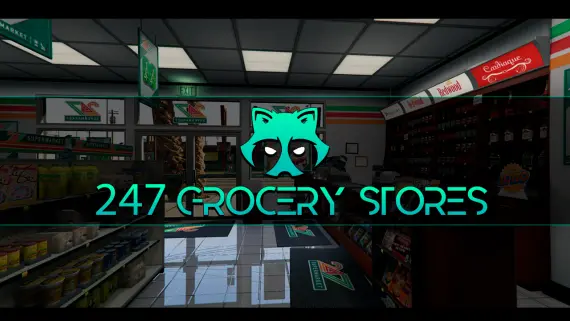
Gabz Reworked 24/7 Convenience Store MLO Pack
$15.00
Gabz reworked corner stores that carry shopkeeper jobs and store robberies
Lifetime updates
MLOs replace the empty native shells or add fresh interiors you can actually walk into, target, and roleplay in. Every file here works on QBCore, ESX and Qbox, since MLOs are map data and do not care about your framework. What matters is the build: clean collision, stable LOD, a shell that lines up with the block, and no black-screen teleport where a door should be.
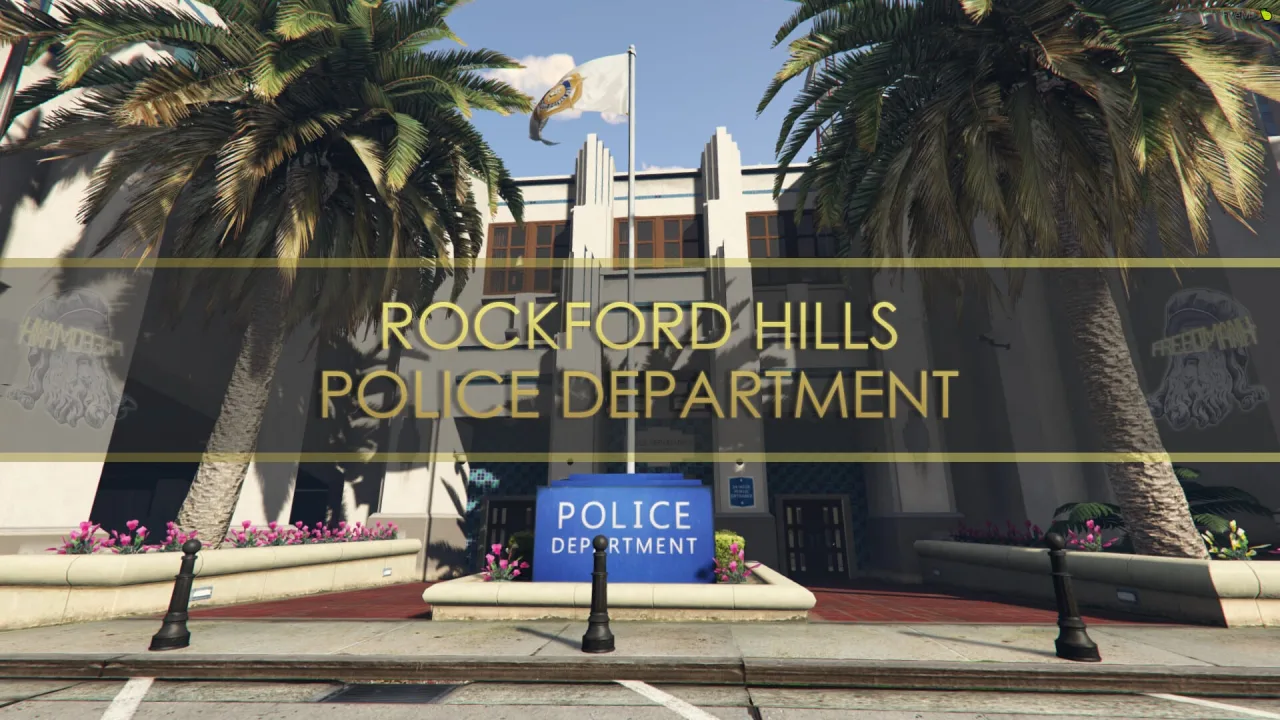
Gabz reworked corner stores that carry shopkeeper jobs and store robberies
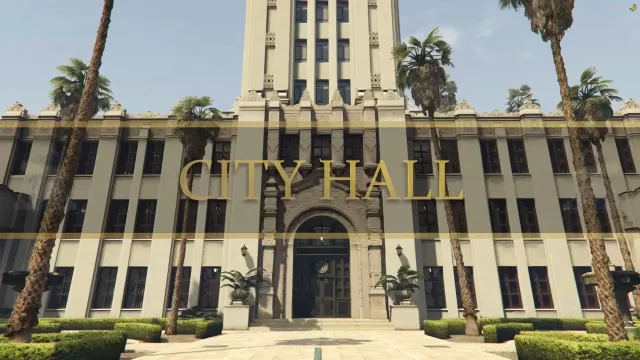
A full City Hall interior for judges, council and chiefs
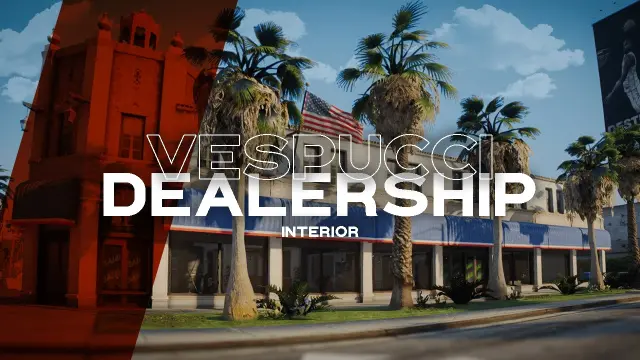
Break Premium Deluxe's monopoly with a player-run showroom
Thirty-four drop-in shells for one-off map jobs
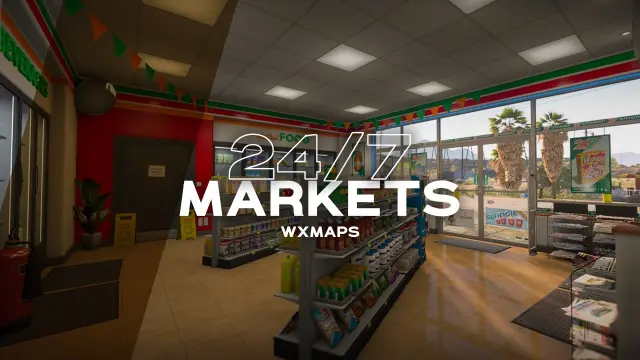
Every Los Santos 24/7 shares one modern, robbery-ready interior
Sixteen furnished interior shells ready to drop into any housing script
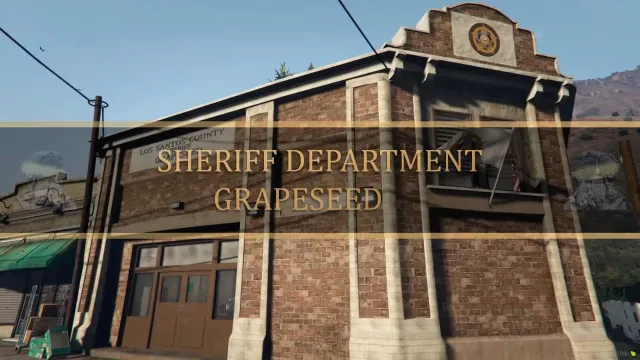
Rural sheriff's office for Grapeseed roleplay
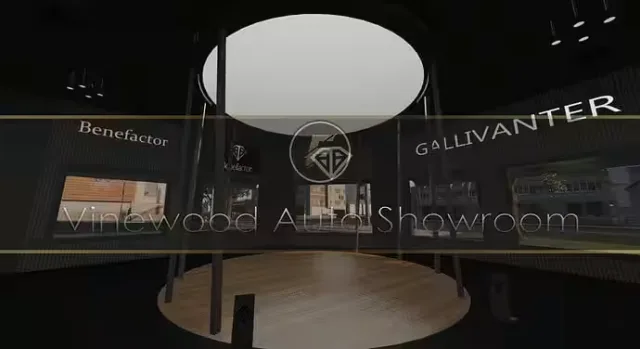
Restored Vinewood dealership MLO with two floors and HD textures
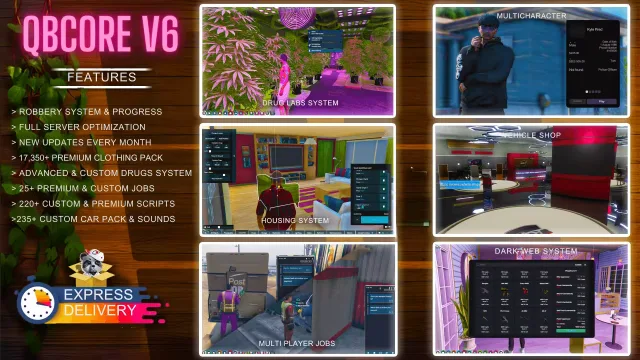
Full QBCore city with 220+ scripts and monthly patch notes
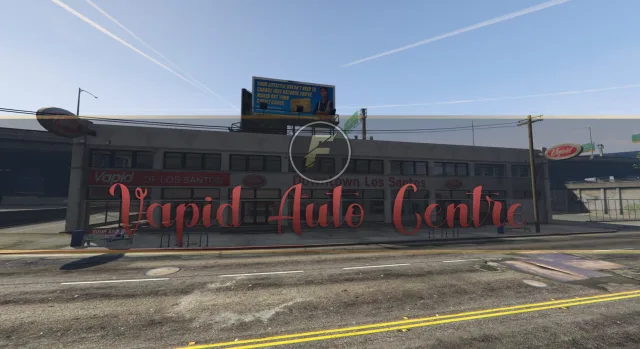
A Vapid showroom with its own space for car dealers
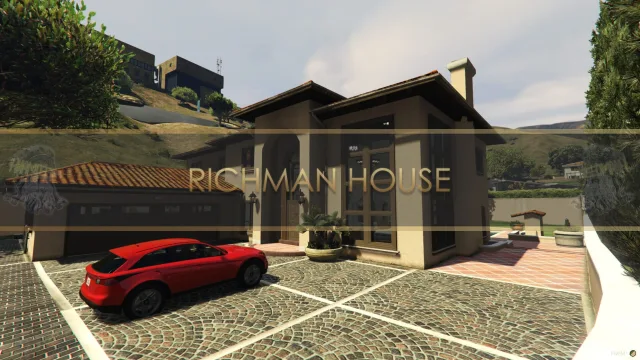
Two floor Mediterranean mansion dropped into the Richman hills
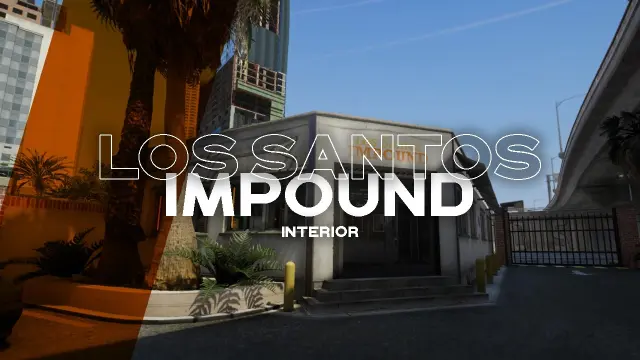
Three impound offices spread across San Andreas, not one
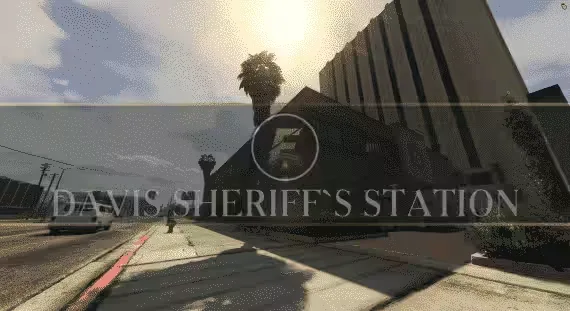
Swap the whole station between Sheriff and LSPD themes
Modern two floor mansion in Vinewood Hills with a separate armory building
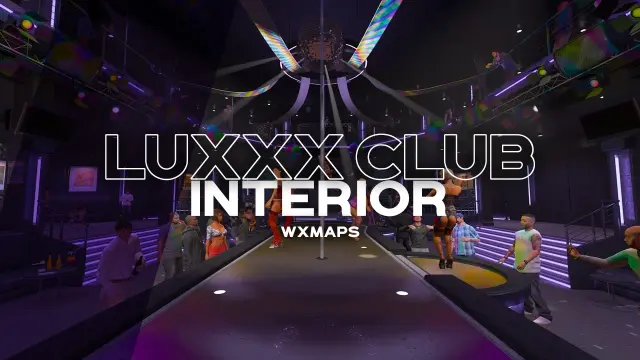
Two-floor player-run nightclub with runway stage and stained-glass boss office
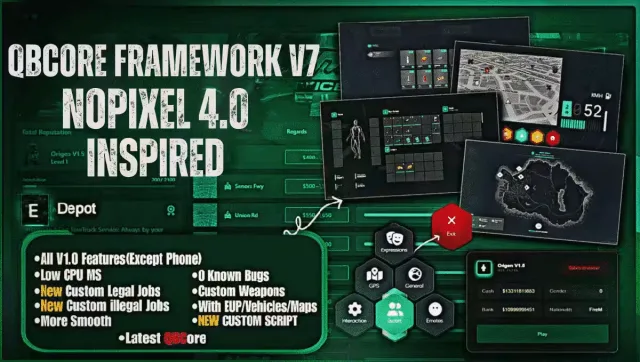
Install and launch a full NoPixel 4.0 style QBCore server
Eighteen interior shells for player housing builds
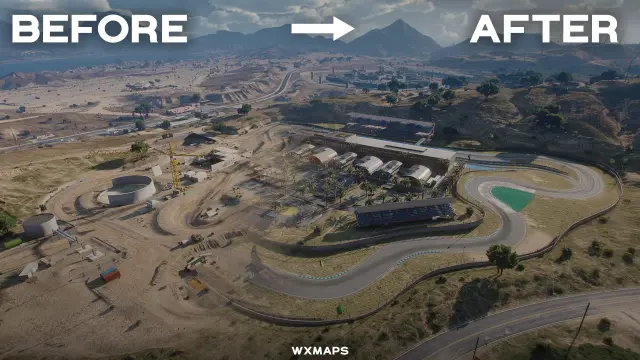
Replaces the Redwood Lights dirt track with a 1.6 km race complex
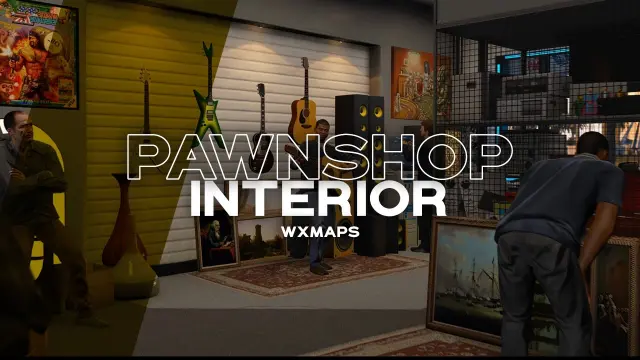
A cluttered pawnshop interior with locker room, boss office and safe
Encrypted mansion interior that drops in at -1733, 359, 89
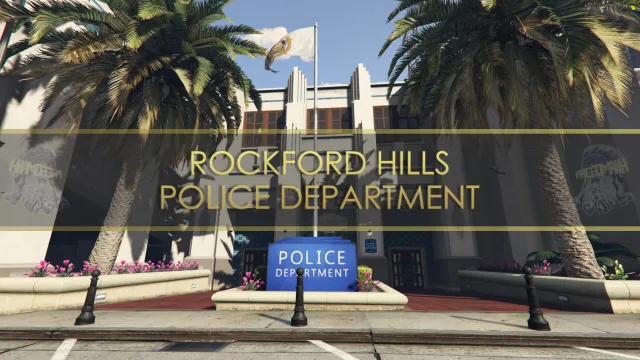
Five floors of unlocked police headquarters, no escrow anywhere
Two floor modern house interior up in Vinewood Hills
Ten drop-in garage shells for player owned parking spots
MLOs are the reason a city feels lived in. Swap the closed shutter on the Vinewood pawn shop for a proper interior and your robbery script has a real location instead of a fade to black teleport. Do the same to the Mission Row shell, and cops get an armory, a briefing room, and cells they can actually book people into. The same logic scales up: a working Burgershot means a real job loop with counters, kitchen and back office, not a menu popping over a locked door.
The catch is that a lot of MLOs on the market look sharp in screenshots and hurt in play. Bad LOD swaps flash props at twenty meters. Missing collision drops players through a floor. A shell that does not line up with the vanilla map leaves a visible seam from the street. The interiors listed here are picked because they get the boring parts right, which is the part your players will actually feel three hours into a shift.
MLOs are map data, not framework code, so they do not care whether you run QBCore, ESX or Qbox. What they do care about is load order and conflicts. If two resources try to replace the same interior, the last one loaded wins, and the loser can leave collision fragments behind. Check the readme before dropping a hospital MLO on top of another hospital MLO, because the two shells will fight and you will get z-fighting through the floor.
Installation for most of these is the same routine. Copy the folder into resources, add ensure to your server.cfg, restart. If the resource ships with a separate interior loader in the ipl-loader style, keep it as a dependency and start it first. When an MLO replaces a stock IPL, remove the vanilla ymap entries or use the loader's disable list, otherwise you get two overlapping meshes and clipping props.
A few practical notes from actually running these. Set peds and blips through the MLO's own config if it ships one, since a stock police blip landing on top of a custom Mission Row often ends up inside a wall. If a garage script is tied to interior coords, update the spawn point when you swap the interior, because the old coord will now sit inside a filing cabinet. Test with a fresh client join, not a cached one, because that is when texture streaming and LOD pop actually show up. And if the build ships with polyzone or ox_target data, keep it: hand-rolling every door and till in a Benny's rebuild is a weekend you do not need to spend.
We stock MLOs that we would run on our own city, and we skip the ones that look sharp in a trailer and cost you frames on a full server. Every listing links back to the original creator, so support comes from the person who built it, not from a reseller with the credits filed off. Payment, licensing and download are handled through the marketplace, so when a creator ships an update, you get the new version without digging through a Discord history you never joined.
If you need a specific building and cannot find it in the listings, ask. We know the creators, we know what is already commissioned, and we know which shells are worth the money before you spend it.
MLO stands for Map Loading Object. It is a custom interior packaged as map data, either replacing a stock GTA V interior or adding a new one inside an existing shell. Unlike a ymap prop dump, an MLO includes proper collision, portals and LOD, so players can walk in through a real door instead of teleporting.
Yes. MLOs are map files, not framework scripts, so they load the same way regardless of framework. Where the framework matters is anything you bolt on top, like target zones, dispatch blips, garage coords or evidence lockers. Those are configured separately in your own scripts.
A well built MLO should not. A poorly built one will. Watch resmon inside the interior, not just at the door, and check for prop pop when you move between rooms. The listings here favor builds that hold stable frames with a squad inside, and we flag heavier interiors when we know about them.
Only some MLOs need one. If the file replaces a stock interior like MRPD, Pillbox or Paleto Sheriff, the readme will list the IPLs to disable or point you to a loader script. Fresh interiors added into empty shells usually do not need any IPL work.
Yes, as long as they do not target the same building. Two different police station MLOs pointed at Mission Row will conflict and you will get z-fighting, floating props or broken collision. Read each MLO's readme and confirm the target coordinates before stacking them.
Drop the resource folder into your server's resources directory, add ensure resource_name to your server.cfg, then restart. If the MLO ships with dependencies like an interior loader or a stream splitter for large files, start those first. Join the server and walk to the location to confirm collision and props loaded.
It depends on the creator. Many MLO builders ship open .ytyp and .ydr files so you can adjust props, while others lock configuration behind escrow. The listing page and creator's own readme will say. If you plan to edit interiors heavily, check the license before buying.