Watch Dogs 2 Vehicle Hacking Device
$15.00
27 vehicle hacks from one CRT-styled device
Lifetime updates

Samuel's Development is a FiveM script author working across QBCore, ESX and Qbox. The catalog is small and focused, five releases that mix free tools like Advanced Crafting and Horde Missions with paid systems for shops, multijob management and vehicle hacking. Everything is built for server owners who want config-driven scripts without a heavy framework lock-in.
27 vehicle hacks from one CRT-styled device
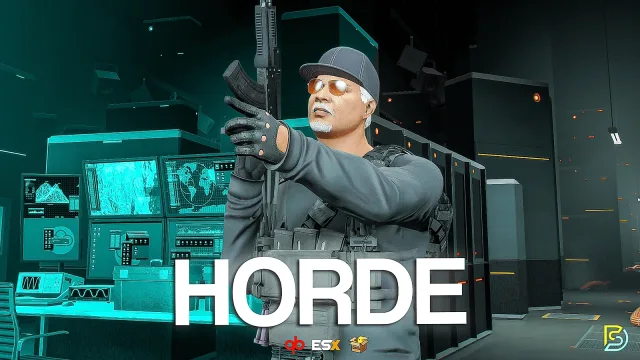
Wave survival with 25+ perks and a between-rounds vote
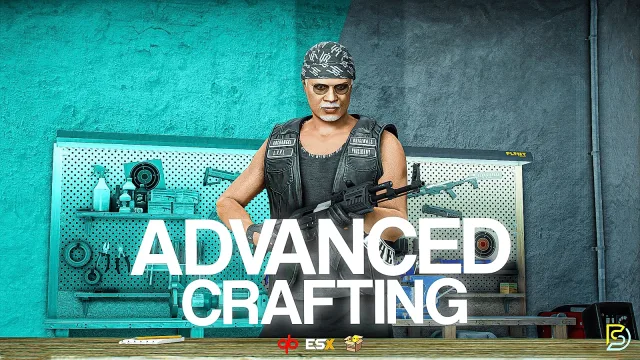
Branching tech trees turn crafting into real server progression
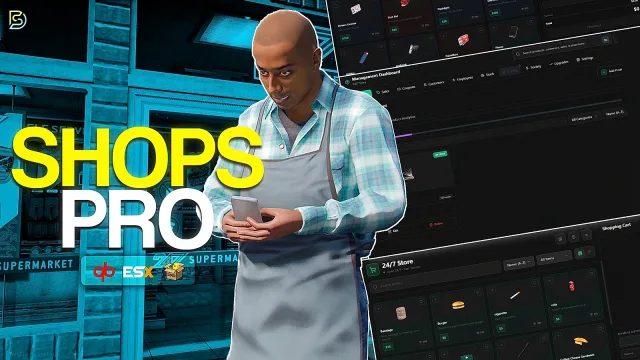
The most complete shop system FiveM has ever seen.
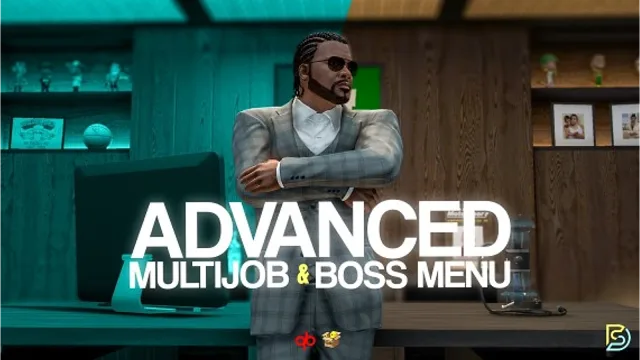
Track any job stat, from arrests made to burgers flipped
Samuel's Development ships FiveM scripts that solve concrete problems on QBCore, ESX and Qbox servers. The catalog is only five products, but each one targets a job a server owner usually has to hack together from three separate resources: a shop system with real controls, a multijob and boss menu that actually tracks a workforce, a hacking device with UI, and a crafting layer that other jobs can plug into.
The releases skew practical over flashy. Custom Shops Pro is aimed at owners tired of editing Lua tables every time a shop changes prices. The Advanced Multijob and Workforce Boss Menu is written for servers where players hold two or three jobs at once and bosses need to see who is actually clocked in. The free tier is not filler either. Free Advanced Crafting and FREE Horde Missions are full scripts, useful on their own, and they double as a sample of how Samuel writes and structures configs before you commit to a paid one.
The standout piece in the catalog is the Watch Dogs 2 Vehicle Hacking Device. It leans into a recognisable reference, a phone-style UI where players scan nearby vehicles and trigger effects instead of pulling a driver out at gunpoint. That kind of scripted mini-interaction is where Samuel's Development spends effort, so hacks and shop menus feel like features rather than menus glued onto an item.
Custom Shops Pro is the utility anchor. Shop scripts are one of the most rewritten resources in FiveM because owners keep outgrowing the defaults. This one is built to be configured heavily, with per-shop stock, categories and pricing rules that let you run a general store, a hardware supplier for the mechanic job, and a black market off the same base.
The Advanced Multijob and Workforce Boss Menu is the other half of that same idea. Multijob is common now, but most implementations stop at 'you can be a mechanic and a taxi driver'. This one adds a boss menu that treats the workforce as data you can actually manage: who is on duty, who was paid, what the till looks like.
The free scripts fit the same pattern. Advanced Crafting is a full recipe and station system, not a stub, and Horde Missions gives you a repeatable PvE loop you can point at any zone on the map for events or side content.
Samuel's Development targets the three frameworks most servers actually run in 2026, QBCore, ESX and Qbox. Each product page lists which of those it supports, so check before you buy if you are on a fork or a custom framework build.
Install is the standard FiveM pattern. Drop the resource into your resources folder, add it to server.cfg, open the config file, and set the framework, currencies, item names and job names to match your server. The paid resources are Tebex products and follow escrow rules where applicable. The two free ones are open enough to read and adapt, which is also why they are a good place to start if you want to see how Samuel structures a script before paying for one.
Expect the usual dependencies for framework-tied resources: your active framework core, a compatible inventory, and target or interaction system if the script has world-object interactions. Configs are in Lua and are the main place you will spend time during setup.
Buying through this shop keeps the whole Samuel's Development catalog in one place next to comparable QBCore, ESX and Qbox scripts, so you can weigh Custom Shops Pro against other shop systems or the Watch Dogs 2 Hacking Device against other hacking scripts without hopping between five Tebex stores. Free releases are listed the same way as paid ones, which makes it easier to try Advanced Crafting or Horde Missions first and decide from there.
Product pages carry the details you actually need before checkout: framework support, dependencies, what the script does at runtime and what the config lets you change. If you are stocking a new server or replacing an aging shop or multijob resource, that is usually faster than reading a forum thread.
The catalog targets QBCore, ESX and Qbox, the three frameworks most FiveM servers run. Each product page lists which of the three it supports. If you are on a fork or a custom framework build, confirm compatibility before you buy.
Yes. Free Advanced Crafting System and FREE Horde Missions are both released at no cost. They are full scripts, not demos, and they double as a good way to see how Samuel structures configs before you commit to a paid resource like Custom Shops Pro.
It is a phone-style hacking script inspired by Watch Dogs 2. Players scan nearby vehicles and trigger effects through a dedicated UI instead of a plain command. It is aimed at servers that want a scripted mini-interaction for hacking roleplay rather than a generic menu.
Yes. Custom Shops Pro is built around a config file where you set stock, categories and pricing per shop. That lets you run a general store, a hardware supplier for the mechanic job and a black market off the same base resource, without editing script logic.
Most multijob resources stop at letting a player hold more than one job. This one adds a boss menu on top that tracks the workforce as data you can manage, including who is on duty and society finances. It is aimed at servers where jobs actually operate like businesses.
Standard FiveM install. Drop the resource into your resources folder, add it to server.cfg, then open the config and set your framework, currencies, item names and job names. Paid resources on Tebex follow escrow rules where applicable, and dependencies are listed on each product page.
Expect your active framework core (QBCore, ESX or Qbox), a compatible inventory, and a target or interaction system when the script interacts with world objects. The exact list is on each product page, so check it before install to avoid missing a required resource.